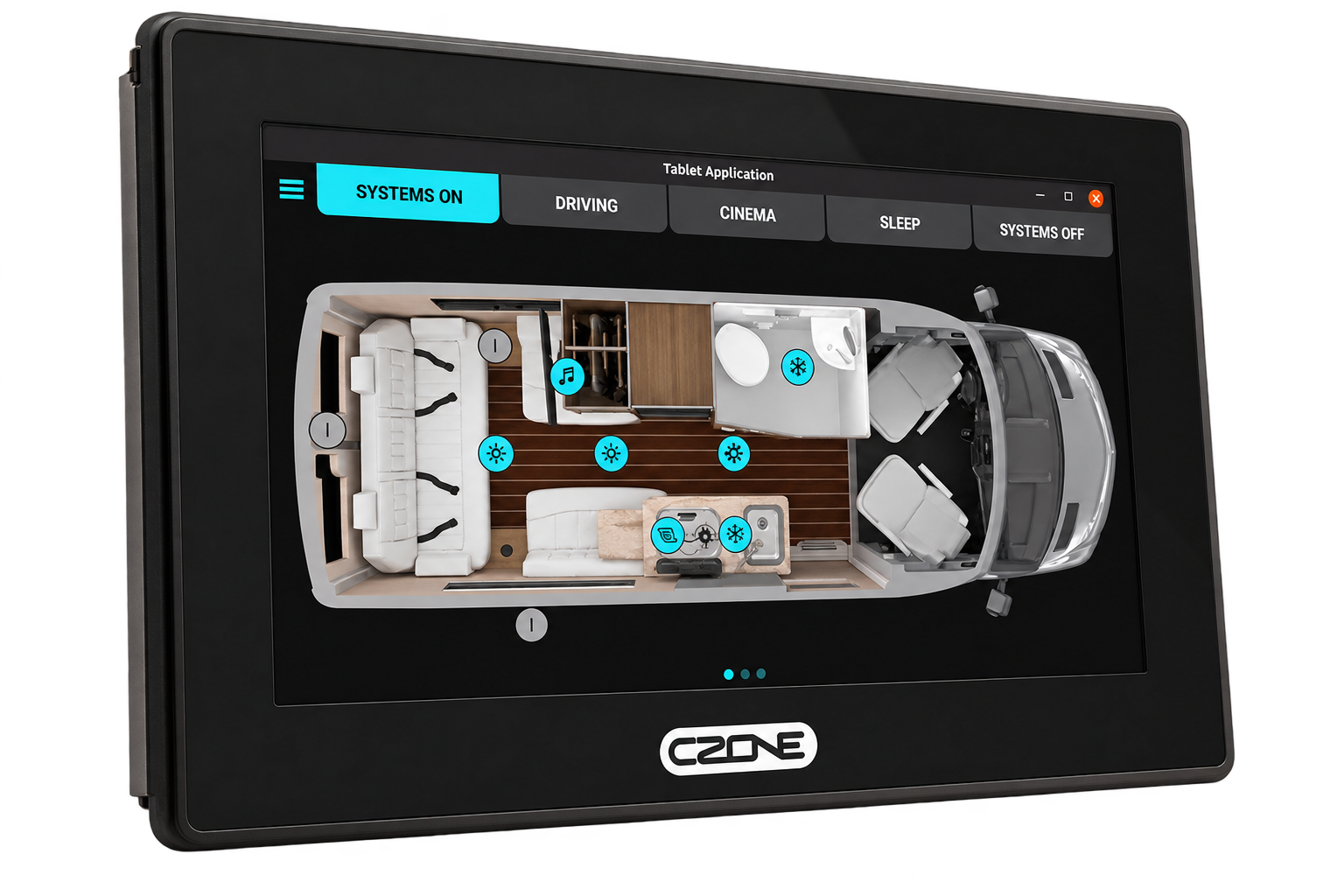
Every RV in this lineup shipped with a factory touchscreen wired into its CZone or RV-C network, controlling lights, tanks, the awning, climate, and more. RVAltCtrl plugs into that same network and speaks the same language, so it can work in parallel with those stock systems the moment it's installed. No rewiring and no replacing what's already there.
RV control panels are also a well-known failure point. When yours locks up, goes dark, or gets flaky mid-trip, often at the worst possible moment, like set up at a campground with no signal, RVAltCtrl keeps working. It talks to the same network your factory screen does, so it doesn't care whether that screen is cooperating.
You don't have to wait for an emergency to get value from it, either. Plenty of owners use RVAltCtrl as their everyday control screen: a cleaner interface, reachable from a phone, tablet, laptop, or PC instead of a single fixed panel, with dark and light themes and a layout that adapts to whatever screen you're using.
Out of the box, RVAltCtrl supports compatible Airstream Classic and Pottery Barn models. But our work goes well beyond those systems. We've completed many custom RV installations involving control, monitoring, automation, and integration with existing onboard equipment.
Have an idea for a custom RV or marine project? Need to make devices or systems that were never designed to work together communicate with each other? Contact us. We specialize in multiplex control systems and CAN bus integration, including NMEA 2000 and RV-C.